

11.19. How to Get Tomtom API Key To Use with Nav Core Function on SambaPOS
In this document it will be explained how to create Tomtom API Key to use with Nav Core Function on SambaPOS.
1. Go to developer.tomtom.com → Sign up / Log in.
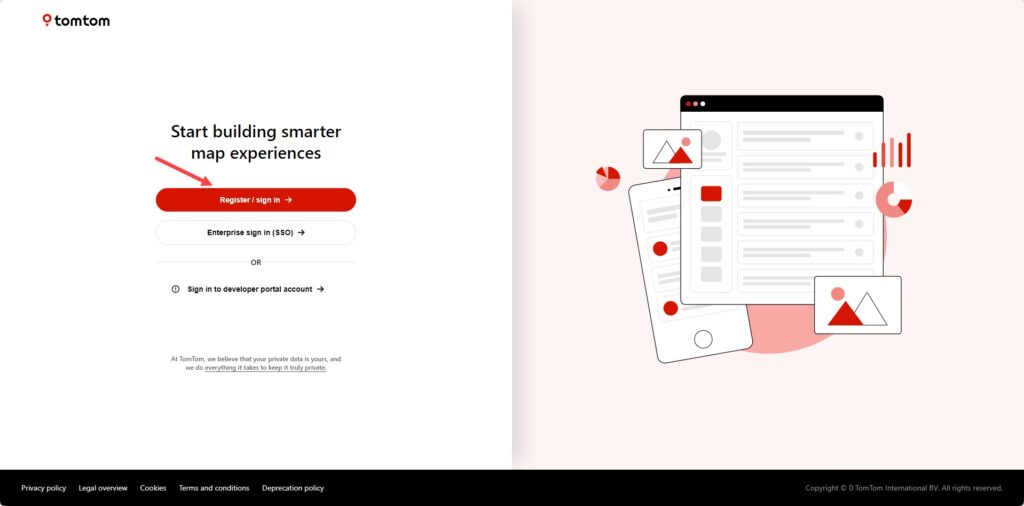
2. After signed in go to Dashboard > Your Products / API Keys → A default key is provided after registration; you can create a new one if preferred.
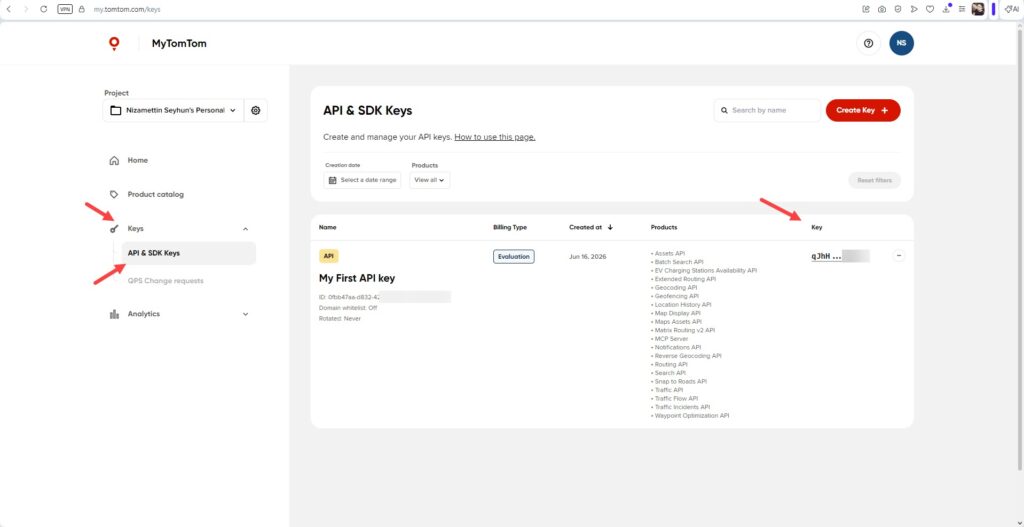
3. Copy the API key.
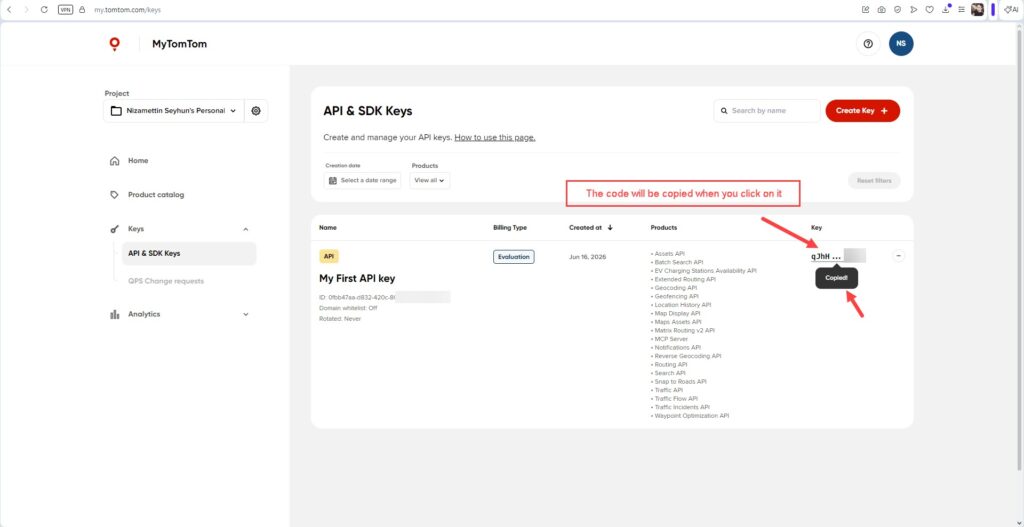
4. The key works for the Search API (Fuzzy Search + Structured Geocode) – no additional configuration is required.
5. TomTom offers a free daily request quota, you will be charged if this limit is exceeded.